

“If you think good design is expensive, you should look at the cost of bad design.” That idea has never been more relevant in today’s fast-paced digital world. Graphics designj isn’t just about aesthetics anymore it’s about communication, strategy, and even trust. Whether you’re designing an Instagram post, a business presentation, or an entire brand identity, the visual elements you create can make or break your message.
Fortunately, the barrier to entry has never been lower. Canva, a web-based design tool, has changed the game by offering accessible, user-friendly features to people of all skill levels. Whether you’re a beginner, a marketer, or a seasoned creative professional, Canva simplifies the process and empowers you to create professional-looking visuals without needing a degree in design.
The Evolution of Graphics Design
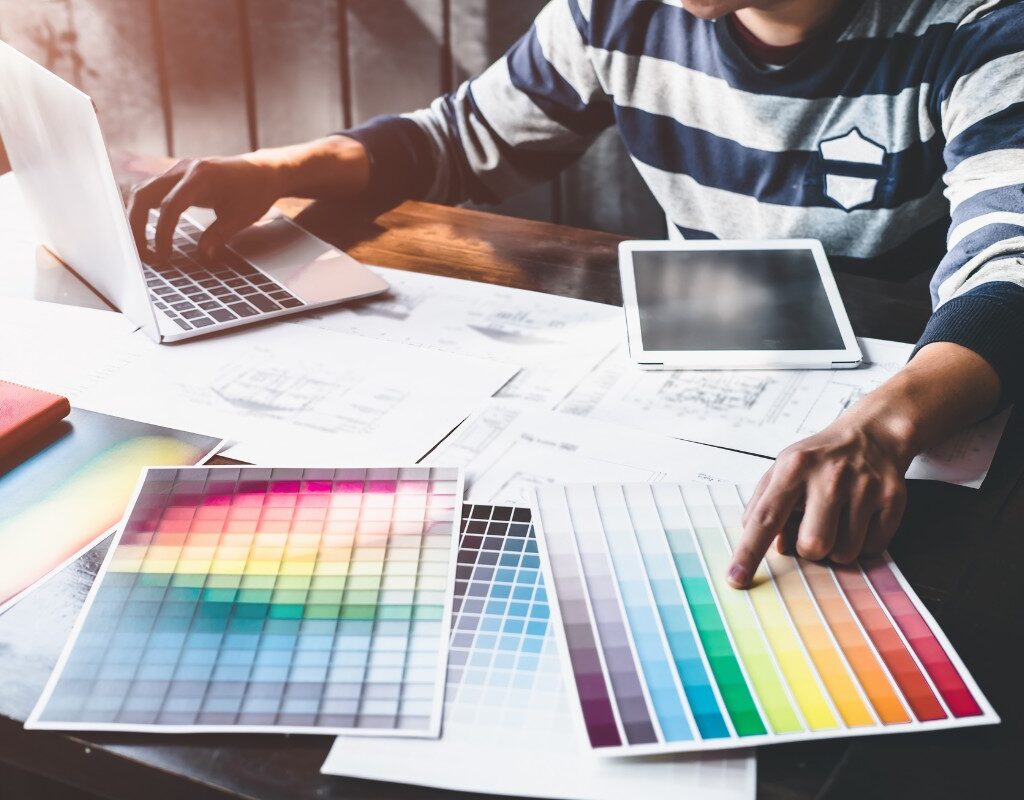
Traditionally, graphics design was dominated by tools like Adobe Photoshop and Illustrator. These programs offer powerful features, but they come with a steep learning curve and significant costs. For years, access to high-quality design was limited to those who had both the time and resources to learn these programs.
However, as businesses began producing more content and the demand for visual assets increased, a shift started happening. People needed design tools that were fast, intuitive, and affordable. That’s when Canva entered the scene.
How Canva Changed the Landscape of Graphics Design
Launched in 2013, Canva was built with a bold mission: to empower the world to design. Its drag-and-drop interface, built-in templates, and online accessibility removed the traditional technical hurdles. What used to take hours in Adobe could now be done in minutes with Canva.
Today, Canva serves over 170 million monthly users across 190 countries, according to Canva’s newsroom. From personal blogs to Fortune 500 companies, people across all industries are embracing its simplicity and efficiency.
Canva vs. Traditional Design Tools
To understand Canva’s impact, let’s take a closer look at how it compares to more traditional graphics design software:
| Feature | Canva | Adobe Photoshop/Illustrator |
|---|---|---|
| Ease of Use | Very user-friendly | Requires significant training |
| Cost | Free with optional Pro plan | Expensive monthly subscription |
| Templates and Assets | Thousands included | Mostly DIY or marketplace-based |
| Accessibility | Web-based, mobile-friendly | Primarily desktop software |
| Collaboration | Real-time team editing | Limited or complex collaboration |
| Learning Curve | Beginner-friendly | High for new users |
While Adobe remains the gold standard for advanced professionals, Canva meets the needs of the vast majority of users looking for speed, style, and simplicity.
Why Canva is a Game-Changer for Graphics Design

Templates That Save Time
One of Canva’s most beloved features is its template library. Whether you’re designing a flyer, a resume, or a YouTube banner, you can start with a professionally designed layout and customize it to your needs in just a few clicks.
User-Friendly Experience
Canva’s interface is designed to be intuitive. Even someone with zero design experience is able to jump in, select a template, add text and images, and produce something that appears polished. This level of ease is what sets Canva apart from most other platforms.
Brand Consistency Tools
For businesses, Canva Pro offers a brand kit that stores your logos, fonts, and color schemes. This means anyone on your team can design content that aligns with your brand identity, even if they don’t have a design background.
Collaboration Features
Similar to Google Docs, Canva allows real-time collaboration. You can invite team members to edit, leave comments, and manage projects together, without having to send files back and forth.
Expanding Beyond Static Design
Canva isn’t limited to static graphics anymore. It now includes tools for creating videos, presentations, animations, and even websites. This makes it a complete creative suite for businesses and freelancers alike.
Unique Use Cases for Canva in Graphics Design
Canva’s versatility makes it ideal for a wide range of use cases:
- Education: Teachers use Canva to create engaging lesson materials, while students create interactive presentations (Edutopia).
- Social Media: Influencers and marketers build branded content for platforms like Instagram, Pinterest, and Facebook.
- Startups: Entrepreneurs use Canva for everything from pitch decks to product packaging, accelerating their branding efforts.
- Freelancers: Designers create client-ready assets or sell their templates on platforms like Etsy.
My Experience: From Zero to Designer
When I first launched my blog, I had no idea how to design anything. My content was decent, but the presentation was weak. Discovering Canva was a turning point. Within days, I created headers, infographics, and lead magnets that looked professional.
One of my most successful blog posts gained over 20,000 views thanks to a Pinterest graphic I made using a Canva template. More than just a tool, Canva gave me confidence and creative freedom. It turned design into something approachable and even fun.
Tips to Get the Most Out of Canva
If you’re just getting started or looking to level up, here are a few tips to help you maximize Canva’s potential:
- Use the search bar to find templates tailored to your niche.
- Take advantage of Canva’s built-in AI tools like Magic Write, Magic Eraser, and Background Remover.
- Organize your assets using folders and custom labels.
- Customize templates thoroughly to make them your own.
- Explore Canva’s Design School for tutorials, case studies, and design inspiration.
A Few Limitations to Consider
Canva is powerful, but it isn’t perfect. Here are some drawbacks to keep in mind:
- Limited Precision: It lacks the advanced controls that professional tools like Figma or Adobe Illustrator offer.
- Template Overlap: Without customization, your designs may look similar to others using the same template.
- Internet Dependency: Since it’s web-based, a strong internet connection is necessary for smooth operation.
Conclusion: Is Canva the Future of Graphics Design?
While Canva isn’t meant to replace high-end tools for professional illustrators or animators, it absolutely fills the gap for everyday creators, entrepreneurs, and marketers. Its rapid growth and widespread adoption show that simplicity and accessibility are just as important as power.
If your goal is to create beautiful, effective designs without getting bogged down in technical details, then Canva is the tool for you. It brings design into the hands of the many, not just the few.
Ready to Take the Leap?
Start using Canva for free today and see how it transforms your creative workflow. Already using Canva? Share your favorite tips or templates in the comments. Want more design tips and tools? Subscribe to our newsletter and stay inspired. Contact Us